Adding media
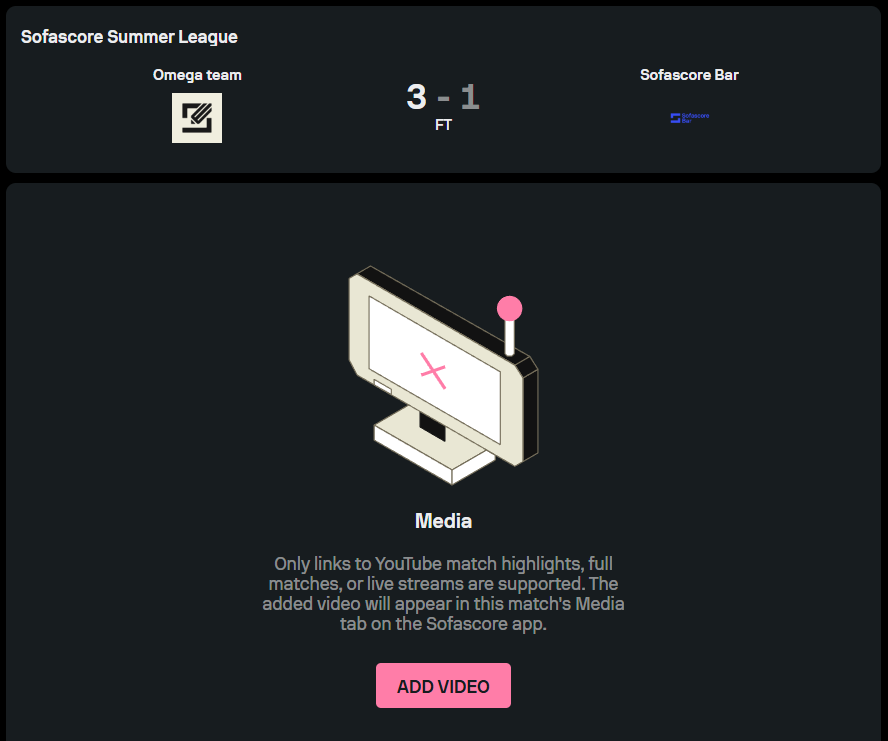
Torneo allows you to add video links to highlights, full matches, and video streams to your matches. When you add a video link to a particular match, the video will appear in that match’s Media tab on the Sofascore app. Keep in mind that Torneo currently supports only YouTube video links.
If you would like to add a video link to your match, select the desired match and access the ‘Media’ tab. Click on the ‘Add Video’ button, select the media type, paste the link into the dedicated tab, and the video will appear in the ‘Media’ tab.