Live editing
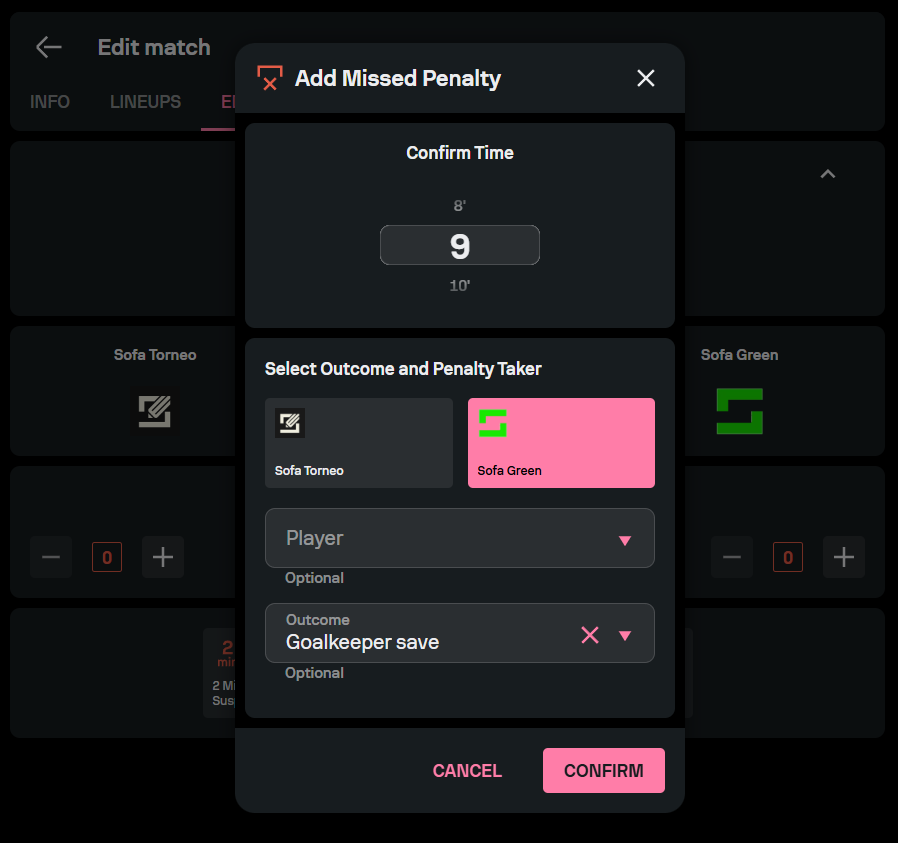
To manage an ongoing match, find the desired match in the relevant competition, and access the Live edit menu. Live editing enables you to input match details as they occur, including goals, substitutions, cards, and penalty shootouts. You can separately edit each period of the match.
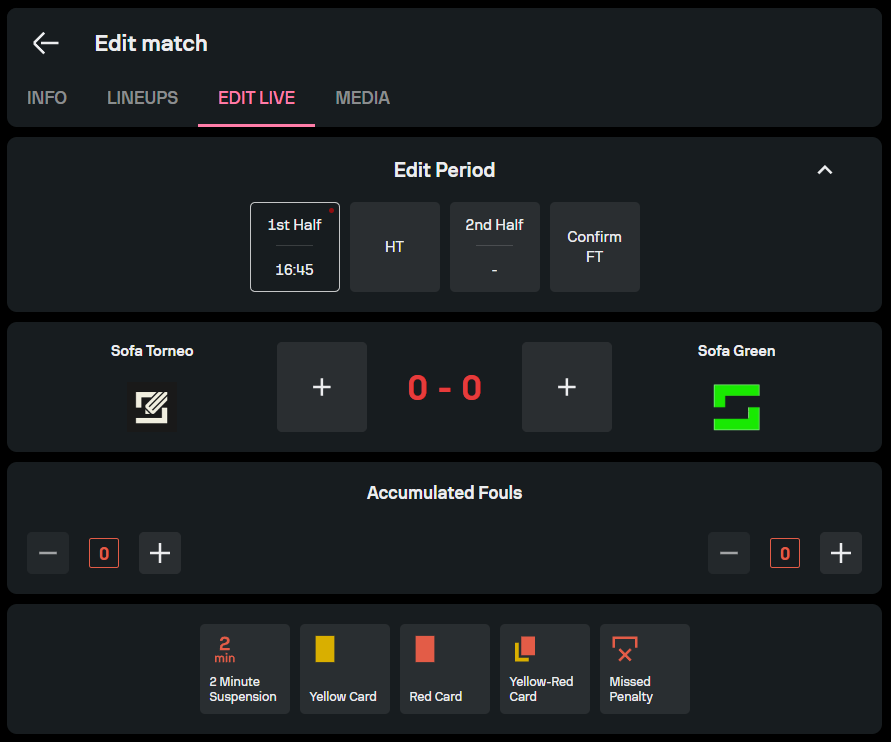
When adding a goal, you can input the time, the type of goal (regular goal, penalty shot, or own goal), the player who scored, and the assistant. If you accidentally input the wrong information, you can delete the goal or edit the details by selecting the edit or delete options next to the relevant goal.
The process is similar when you wish to edit substitutions. Open the substitution field on the editing screen, and fill the form with the relevant information, including the time of the substitution, the players involved, and the reason for the substitution.
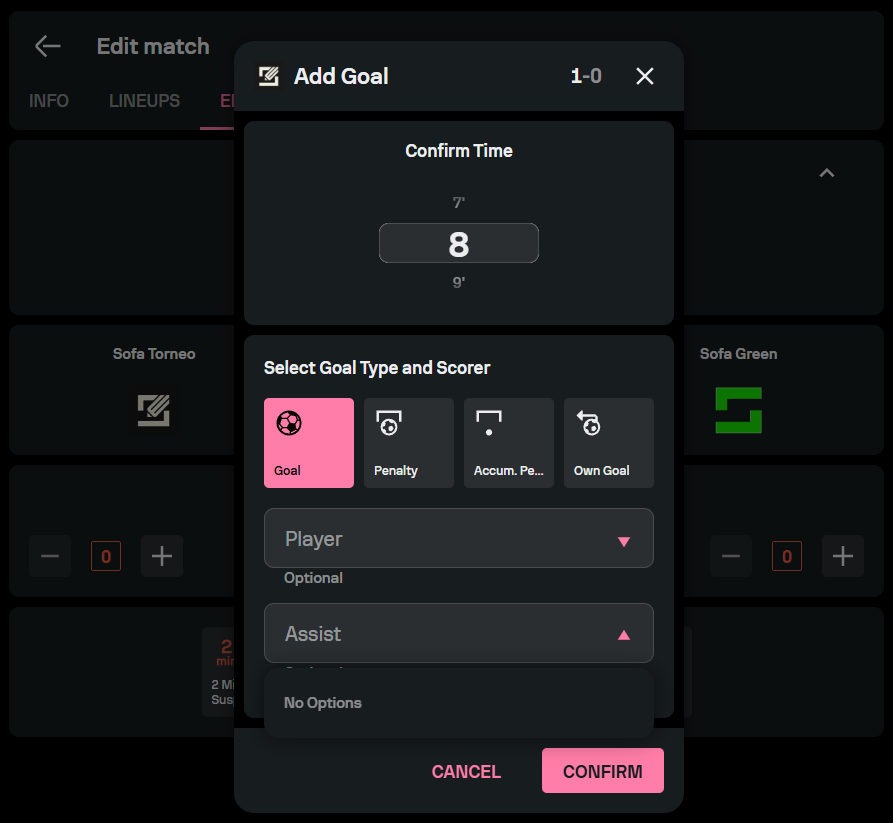
You can also edit cards that are given during the match. Choose the relevant card, and select the time and the player who has received the punishment.
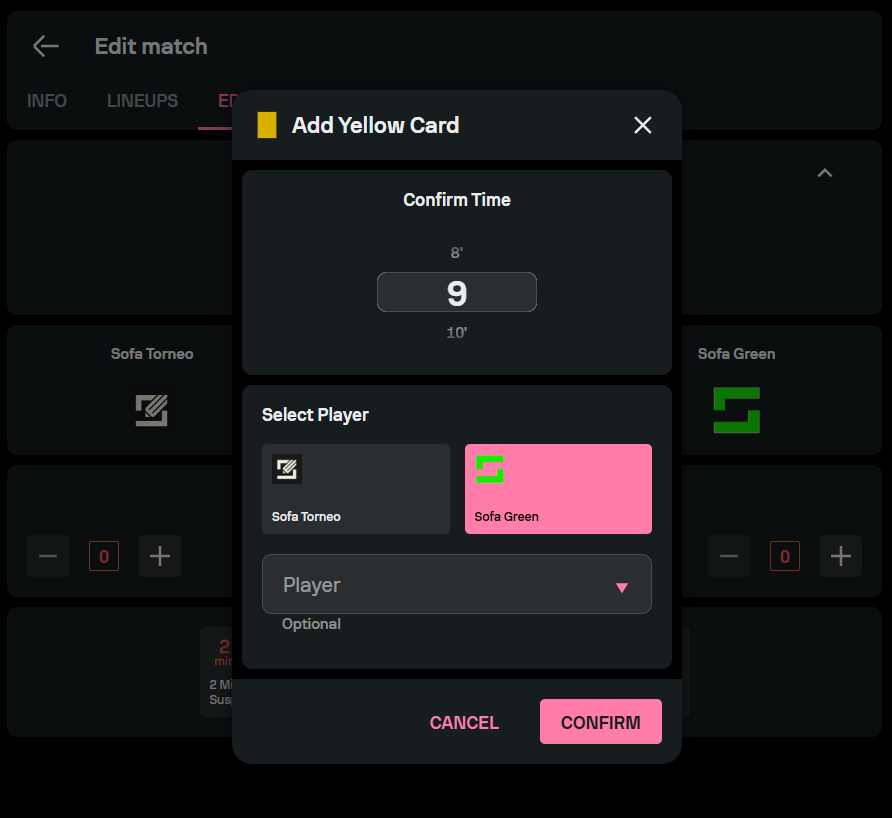
If a player misses a penalty during the match, you can select the Missed penalty field and fill in the details of the player and the reason why the penalty was missed.