Creating lineups
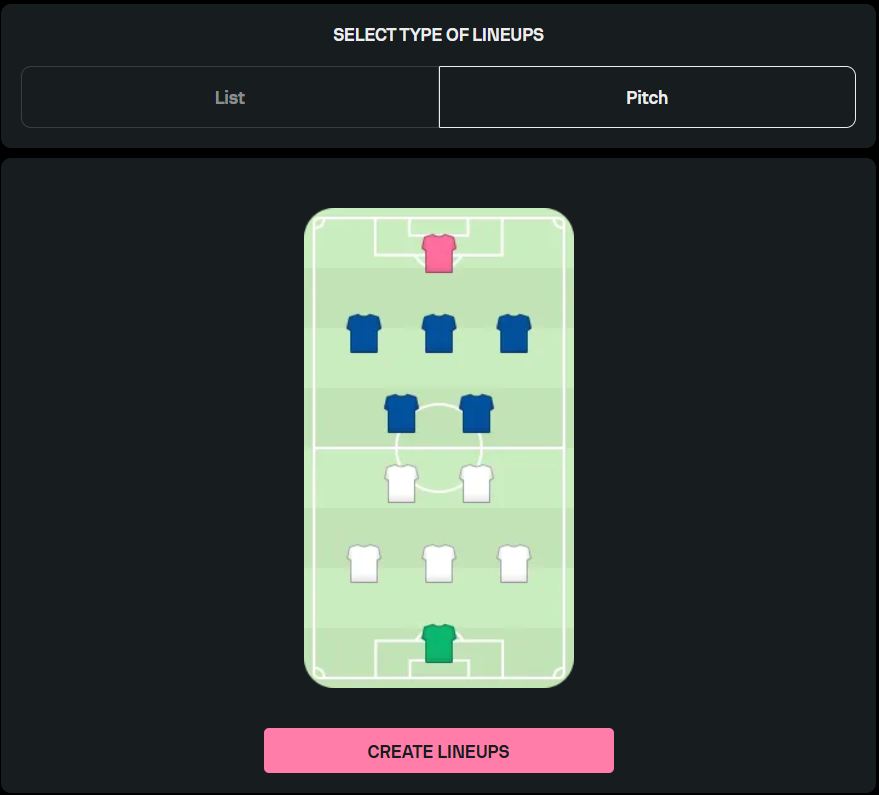
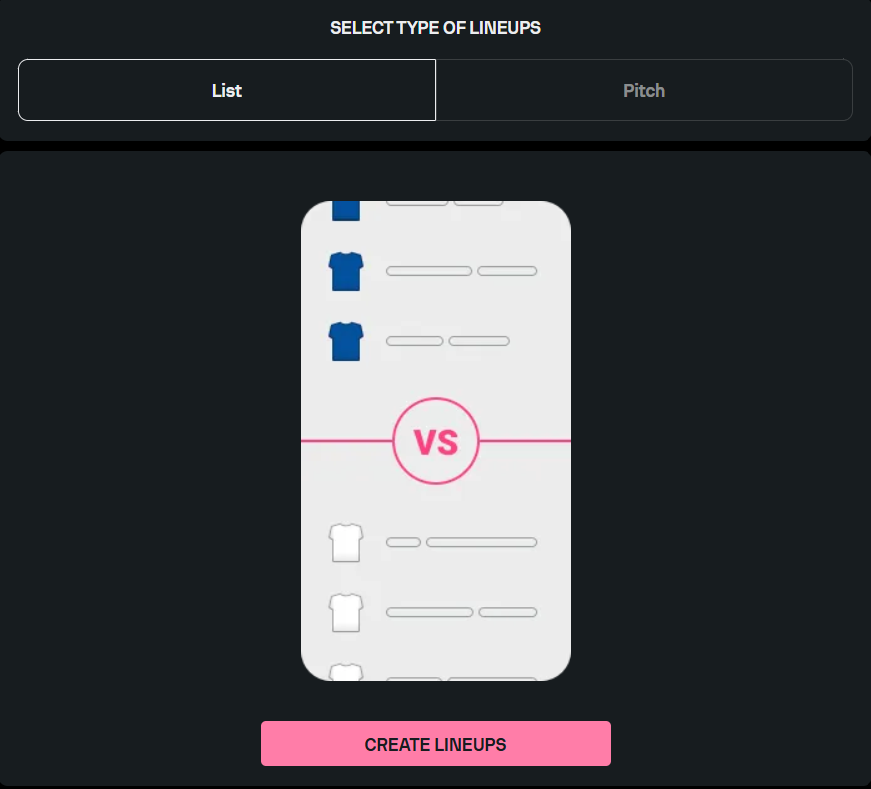
If you wish to create lineups for a particular match, select the desired match and access the Lineups tab. You can create a lineup by either selecting the relevant players from the list or arranging the players directly on the pitch.
If you choose to create a lineup in the list mode, the teams will be separated into two columns. While adding the players to the lineup, you will be able to assign the relevant position to each player (e.g., captain) and indicate whether the selected players will be on the pitch or on the bench during the match.
On the other hand, if you choose to create a lineup in the pitch mode, you will be able to choose the team’s kit color and the formation before placing each of the players into their place on the pitch.
When creating lineups, keep in mind that you cannot create a lineup for only one team; lineups have to be created for both teams participating in a particular match.