Transferring players between teams
You can easily move any player to a different team by accessing the Teams tab in your competition, selecting the team that contains the player that you want to move, and finding the player in the Squad tab.
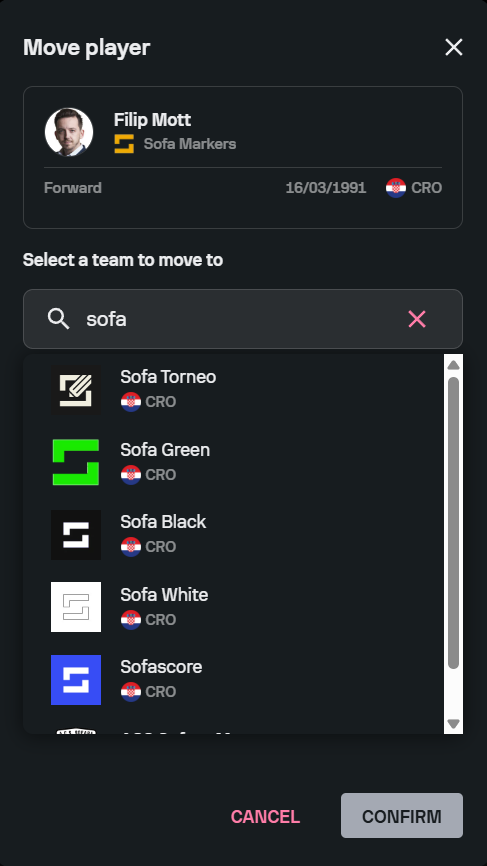
If you click on the arrow icon next to the relevant player in the Squad tab, you can transfer the player to any existing team in our database. However, keep in mind that when you submit a player transfer request, it will be sent to our admins for approval. As soon as the request has been approved, the player will appear in the desired team.
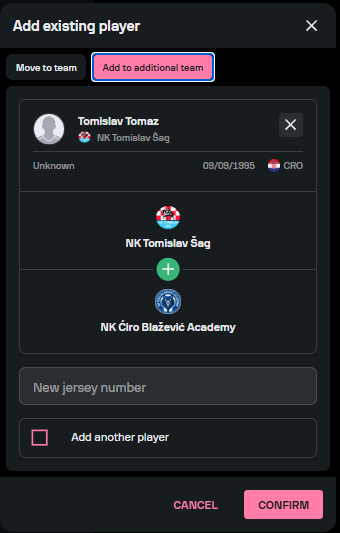
If you would like to add an existing player to more than one team, you can select the option Add to additional team, and select multiple teams for the desired player.