
Removing teams and players
To remove a team from your competition, access the Teams tab, find the team that you would like to remove, and click on the delete icon next to the team name. Your removal request will then be sent to our admins for approval, and the team will be removed from the competition.
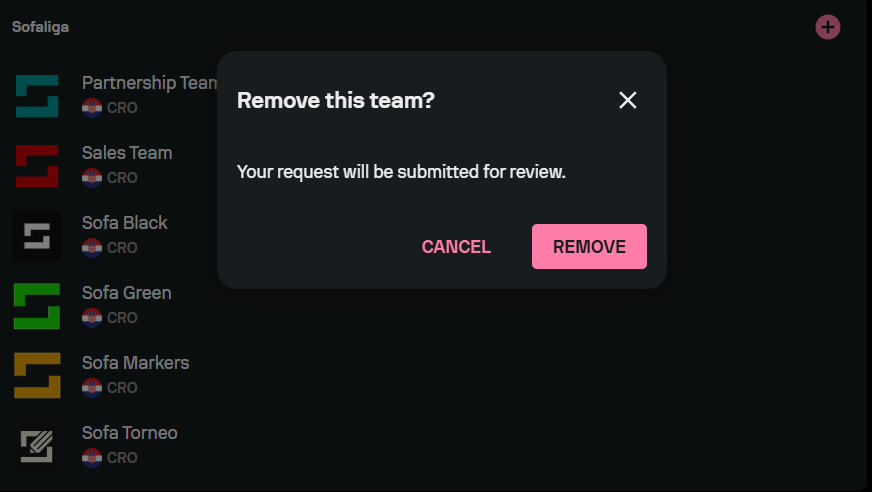
Keep in mind that removing a team from the competition doesn’t remove the team from our database.
To remove a player from a team, access the Teams tab, select the team that contains the player whom you want to remove, and find the player in the Squad tab. Click on the delete icon next to the player's name, and your removal request will be sent to our admins for approval. Removing a player from a team doesn’t remove them from our player database.