
Adding teams
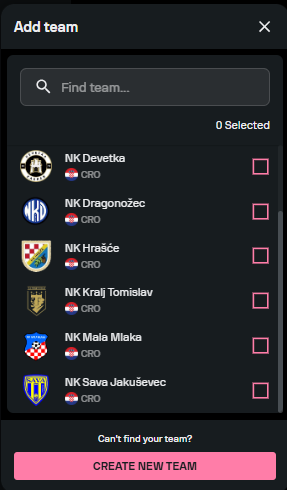
To add teams to a competition in Torneo, select the desired competition in the app and access the ‘Teams’ tab. If your team has already been added to Torneo, it will appear in the dropdown menu, where you can then select it.
If you want to add a new team, click on Create a new team. You will need to fill out a form with the relevant information about the new team, including the team name, country, and team logo. Make sure to input only correct and accurate information about the team that you are creating, so that our admins can approve the team as soon as possible.

It is also possible to add teams that played in the previous seasons of the competition that you're managing. When you click on Add team, such teams will appear in the list. You can select the ones that you need and confirm.
After filling in the information, save your changes, and, if everything checks out, our admins will add the team to Torneo. Keep in mind that the app may take up to several hours to reflect this change.