
Adding venues
Venues can be selected from the database or created manually.
How to add a venue
- Open your competition and go to Teams or Matches.
- When selecting a venue, search for an existing one.
- If it does not exist, choose Create new venue.
- Enter the venue name and address or place the pin on the map.
- Optionally add capacity and confirm.
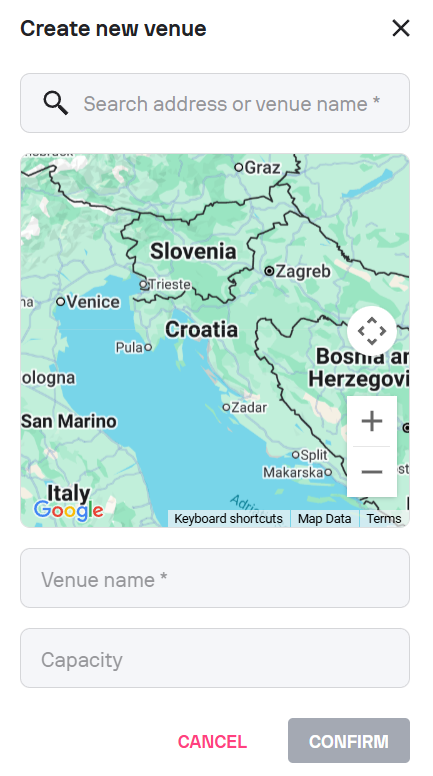
Mandatory fields:
- Name
- Address or map location
Optional:
- Capacity
Keep in mind: Accurate venue data helps ensure that the correct match location is displayed on Sofascore. While adding a venue, make sure to place the pin to the center of the venue.