
Creating lineups
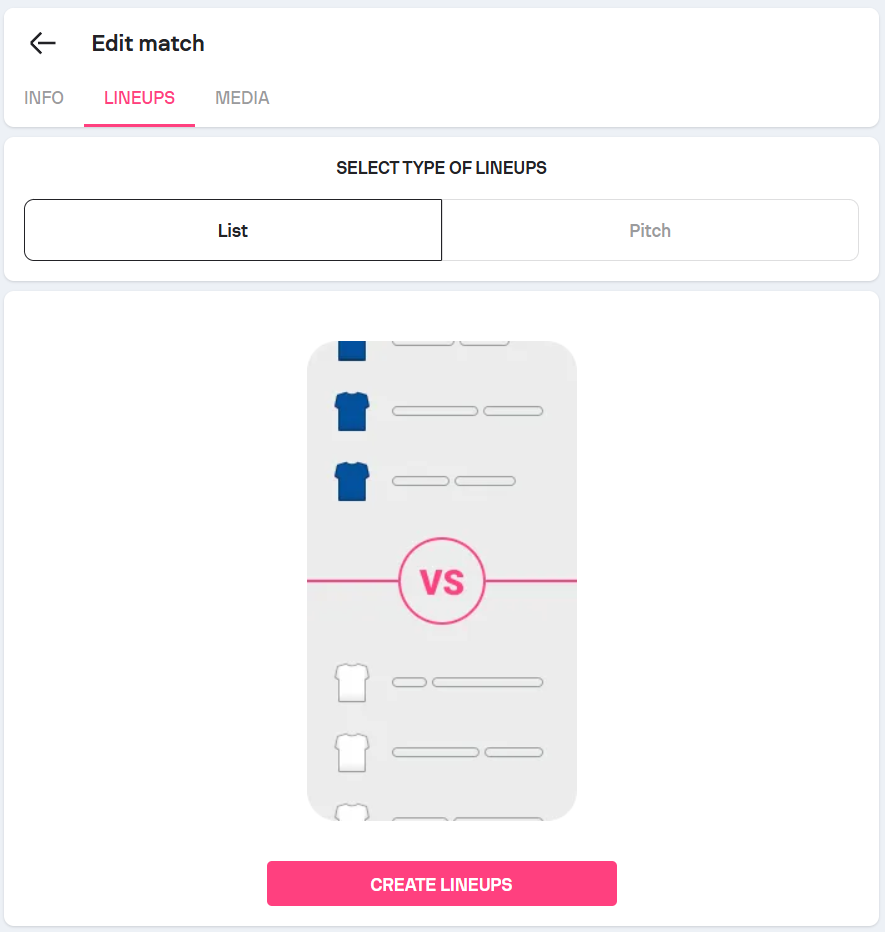
Lineups can be created either in the list mode or in the pitch mode and must be created for both teams.
How to create lineups
- Open the desired match from the Matches tab.
- Go to the Lineups section.
- Choose between list view and pitch view.
- Add players to the lineup and positions.
-
Repeat the process for both teams.
You can assign positions, formations, and bench/on-pitch status.
Keep in mind: Lineups cannot be created for only one team; both teams must have a lineup. If you create a lineup for only one team, it won’t be displayed on the match page.