
How to create a competition
To create a competition, sign in to Torneo. After signing in, the Competition Wizard will guide you through the setup.
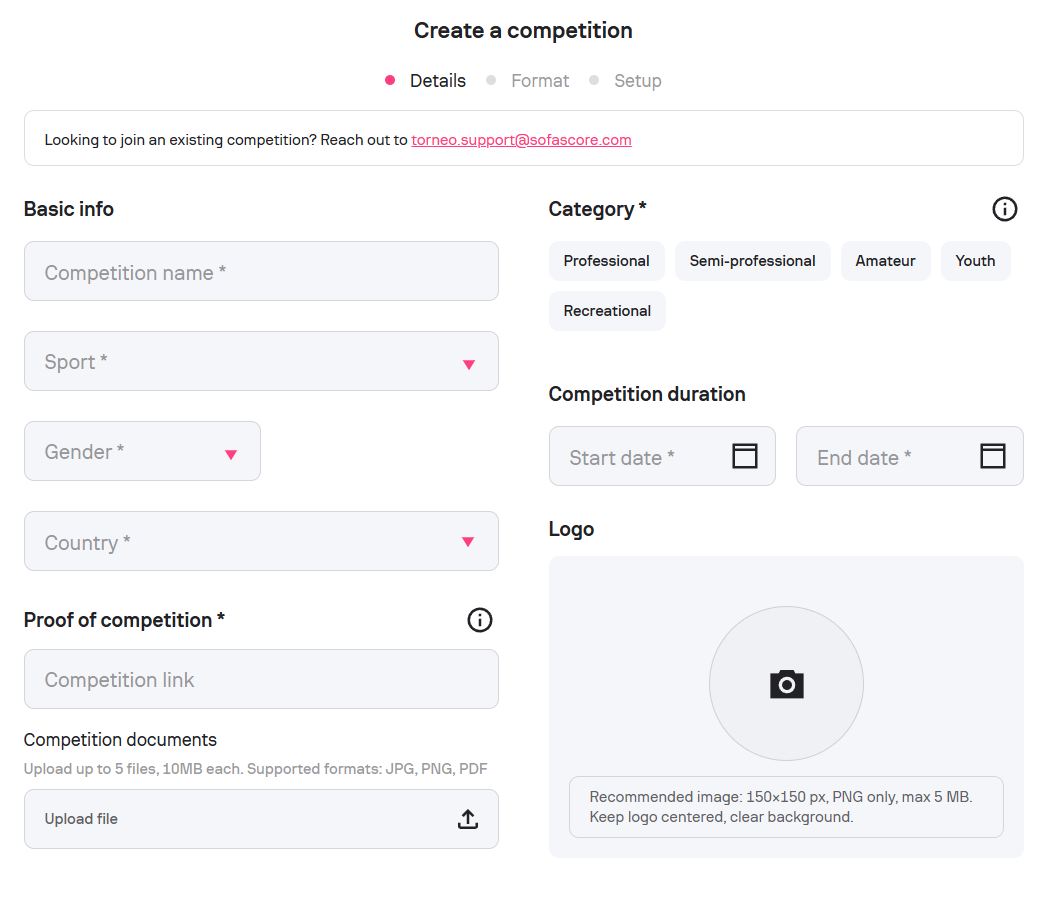
Step 1: General information
You must provide:
- Competition name
- Sport
- Country
- Competition duration/season
- Gender (male, female, mixed)
Optional fields include:
- Category (e.g. Youth; naming examples such as U12 are provided)
-
Competition logo
Official competition proof
You may optionally provide proof to help verify the competition:
- One public link, or
- Up to five documents (max 10 MB each)
Accepted proof can include official announcements, schedules, club pages, or competition documents.
Keep in mind: Providing clear proof is strongly recommended, as it helps avoid delays during the publishing review.
Step 2: Format
Choose the competition format:
- League
- Tournament
-
Custom
Additional configuration options depend on the selected format (e.g., group stages, knockouts, starting rounds).
Once completed, your competition will appear under My Competitions.